MDM Integration
Jamf School Integration
Automatically add devices from Jamf School into AssetNode as assets.
Syncs on the configured interval
คู่มือการตั้งค่า (5 ขั้นตอน)
1
Log in to your Jamf School account
Navigate to your Jamf School portal.
2
Navigate to Organization Settings
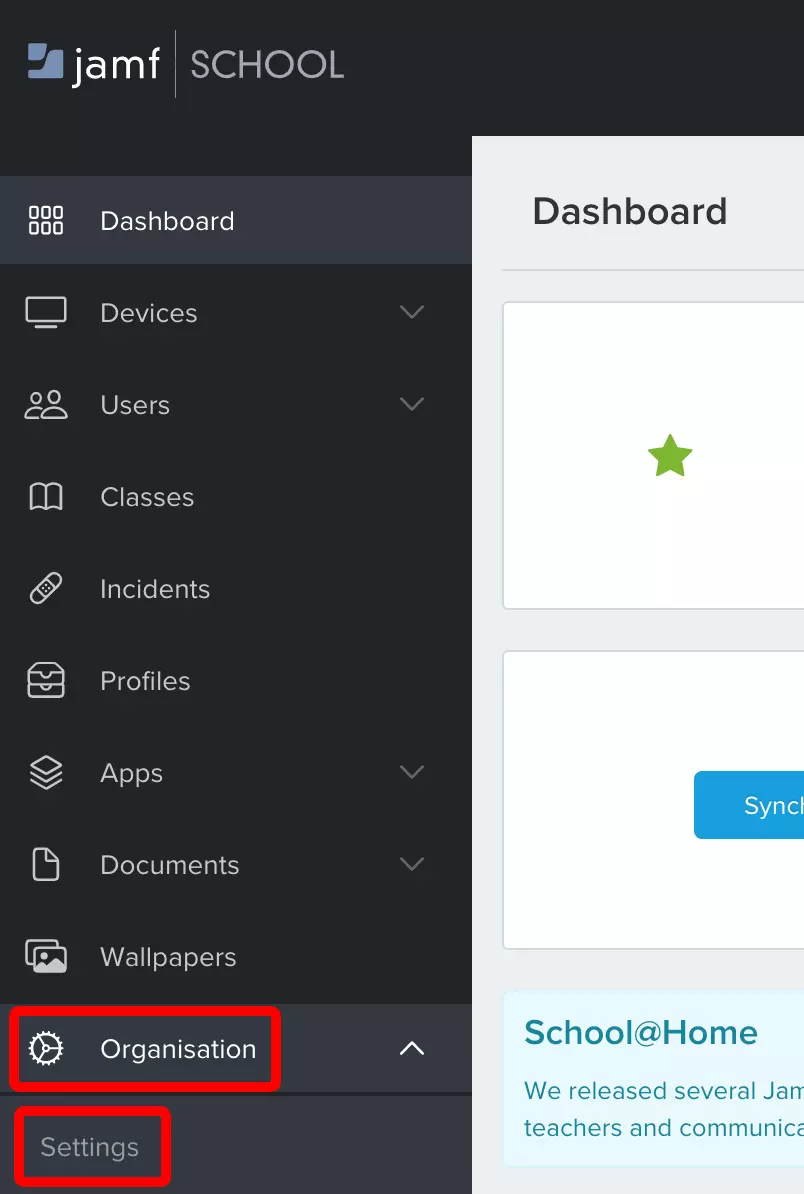
Go to Organisation → Settings.
3
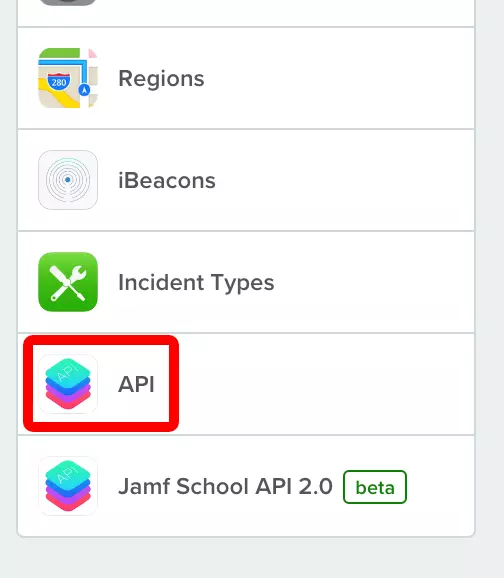
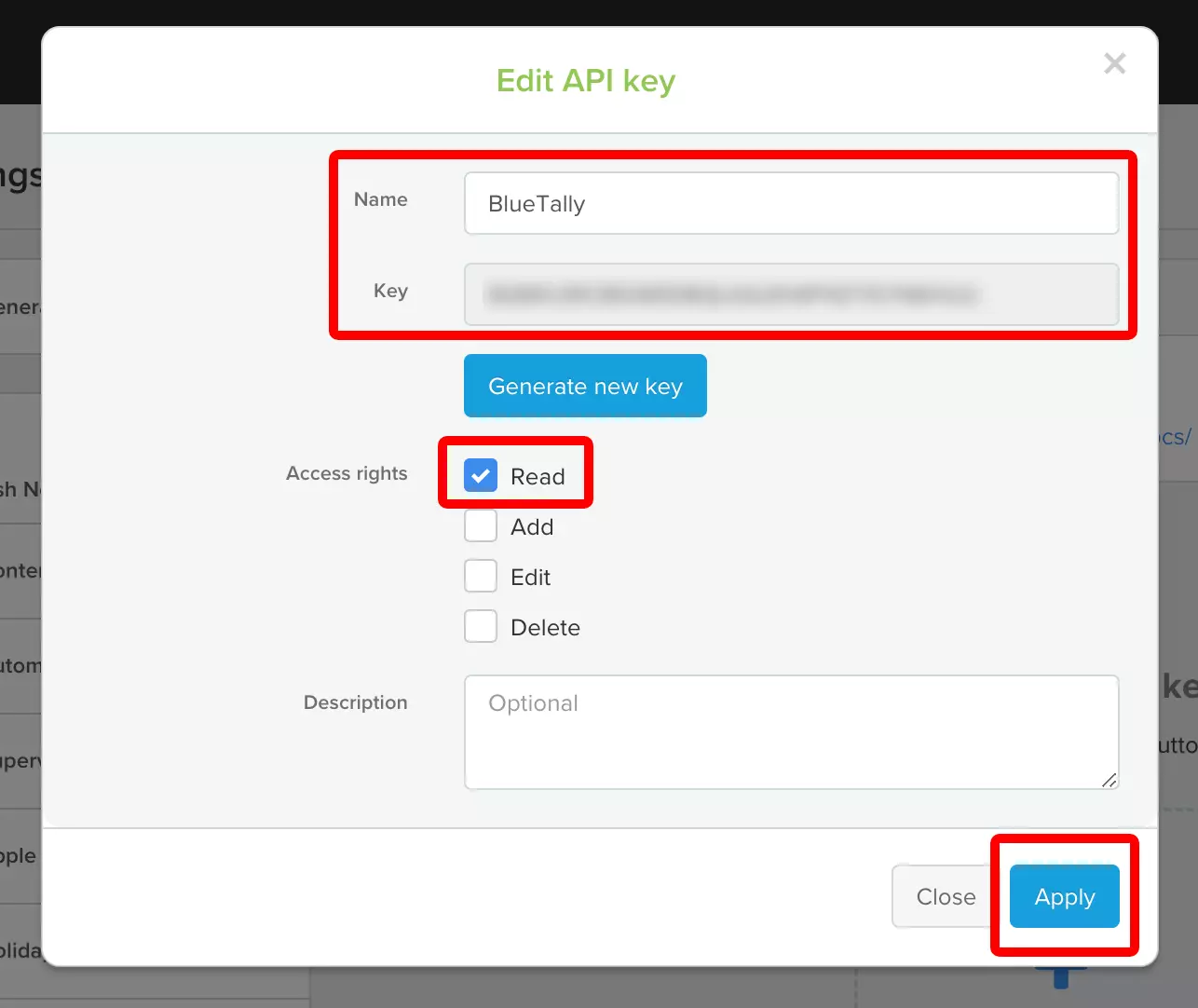
Create an API key
Click "Add API Key" and name it "AssetNode".
4
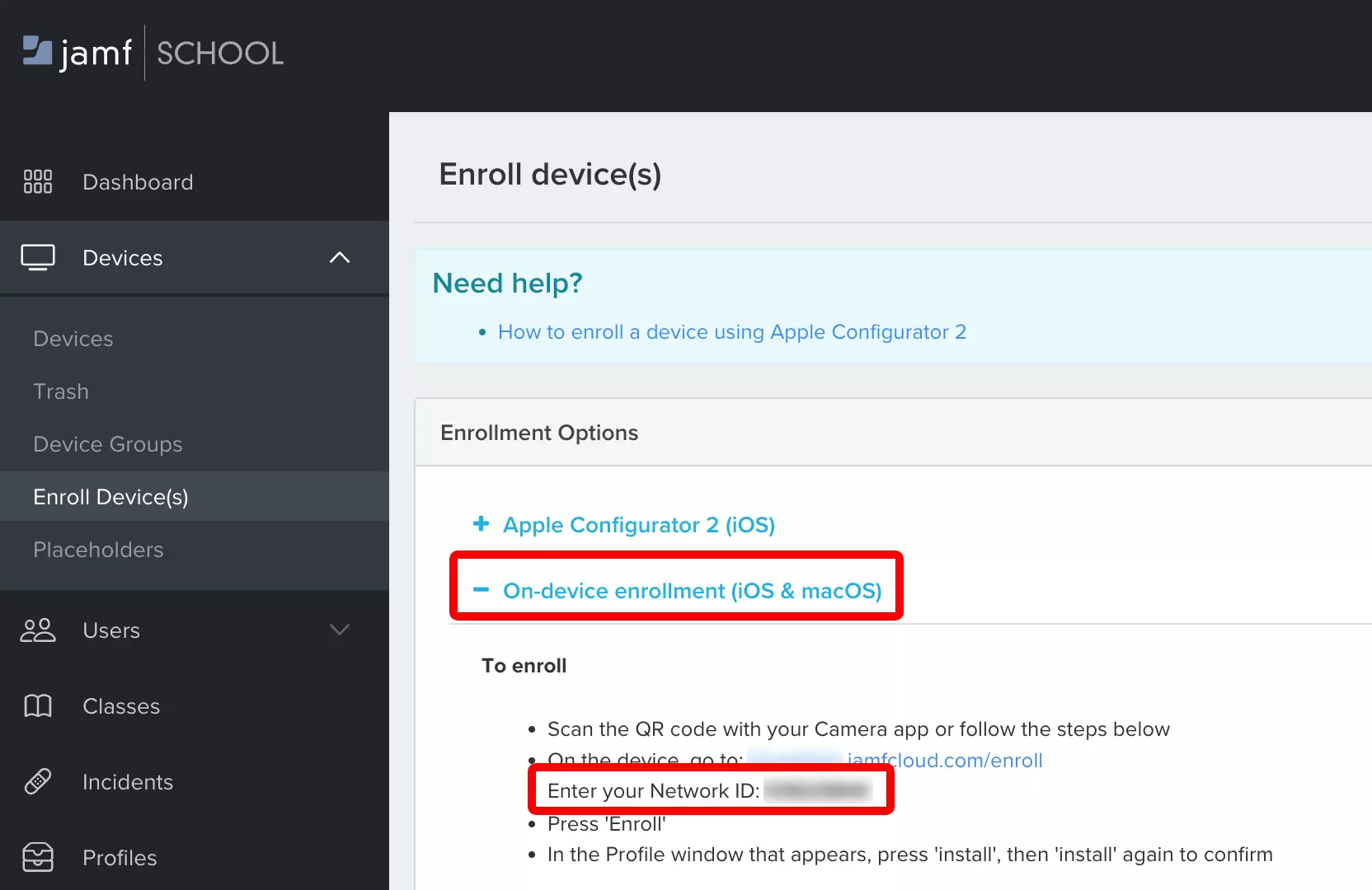
Enter credentials in AssetNode
Go to AssetNode Settings → Integrations and open the Jamf Pro card — the same panel configures Jamf School.
5
Save and verify
Switch Enable on at the top of the panel, then click Save.
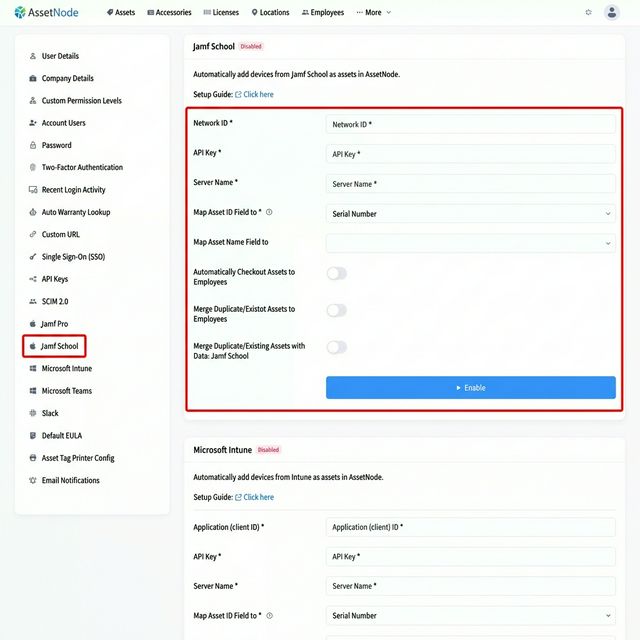
หลังตั้งค่าเสร็จสิ้น
- The first import starts within a few minutes of saving.
- New devices added to Jamf School will automatically be added as assets.