SCIM Provisioning
SCIM with Okta
Automatically sync employee entries with users from Okta. Any changes in Okta will be synchronized to AssetNode in real-time.
Syncs every ~40 minutes
คู่มือการตั้งค่า (8 ขั้นตอน)
1
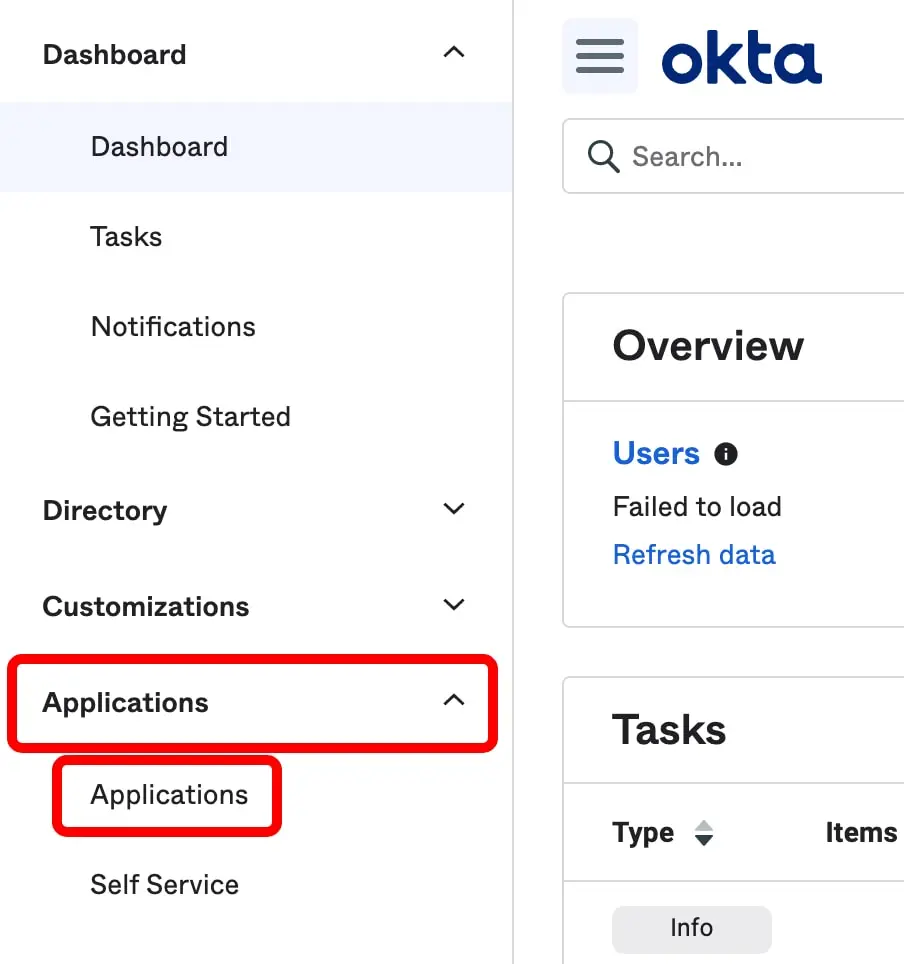
Log in to your Okta Admin Console
Navigate to your Okta organization admin dashboard.
2
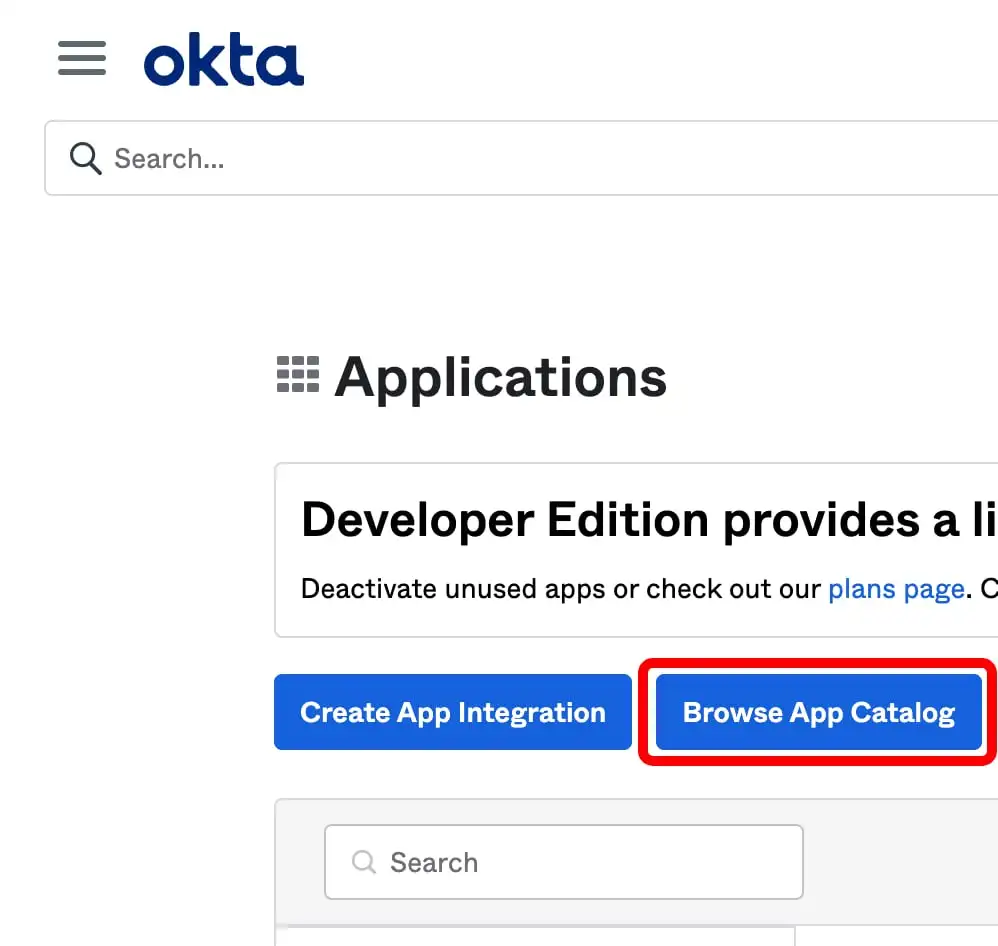
Add a new application
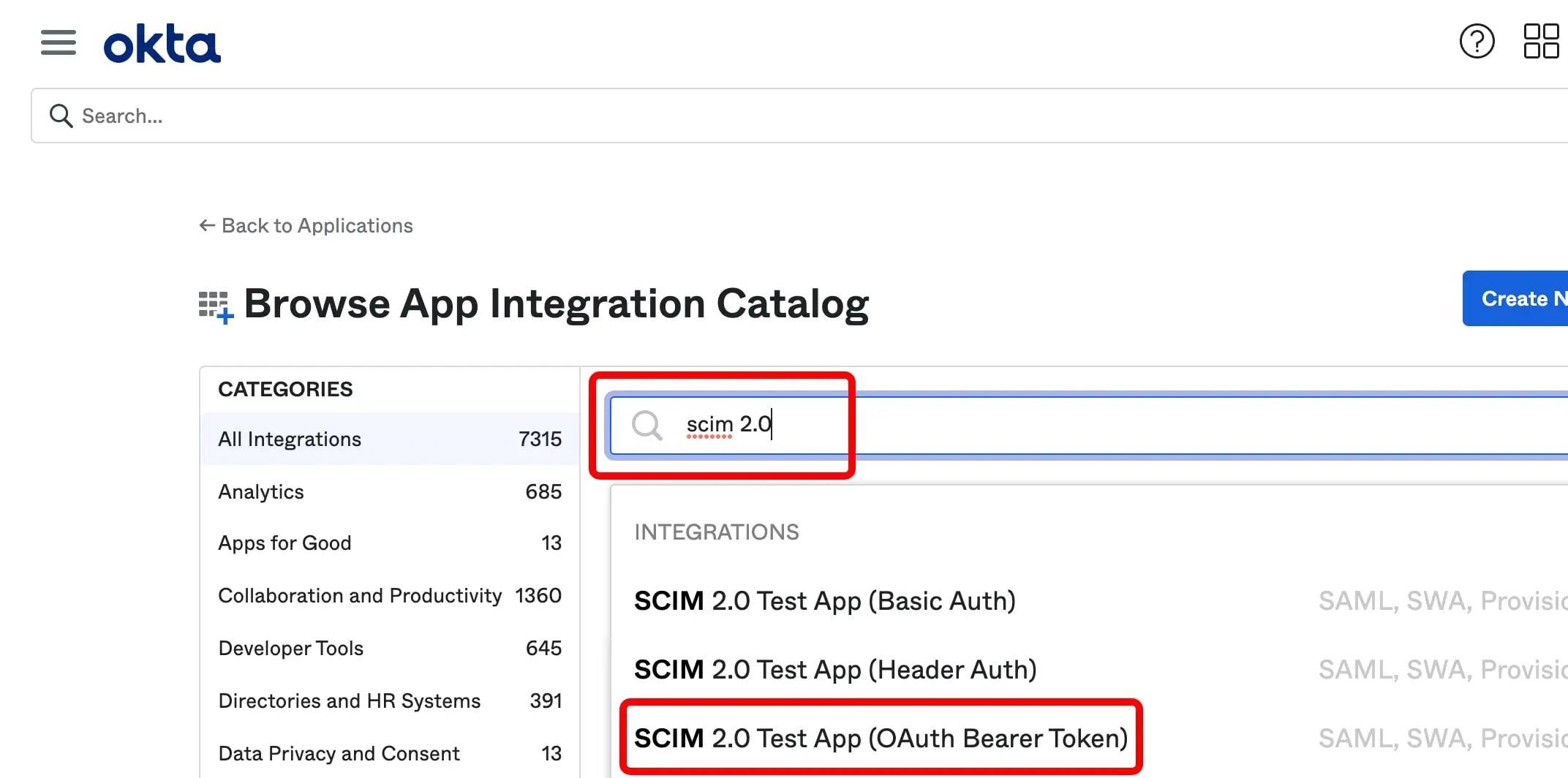
Go to Applications → Applications → Browse App Catalog. Search for "SCIM 2.0 Test App (Header Auth)" and add it.
3
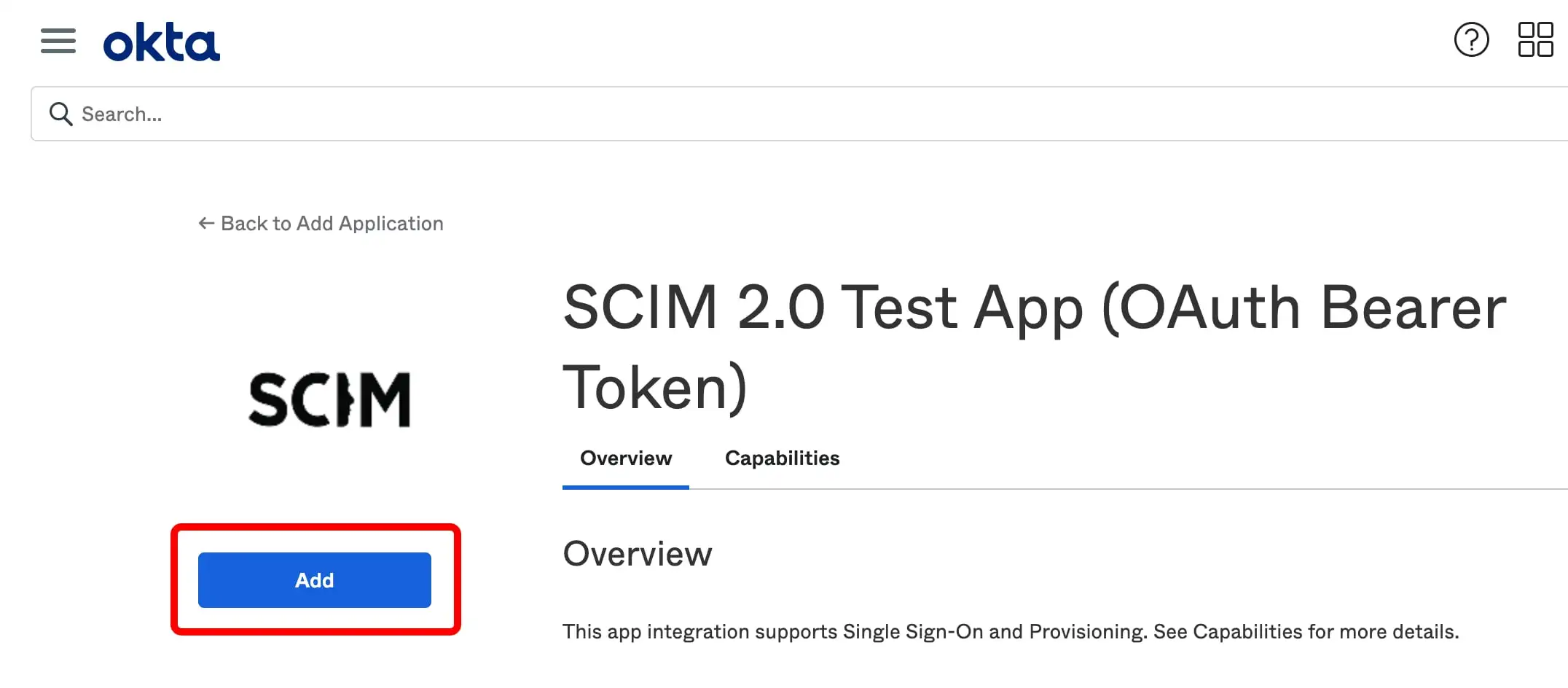
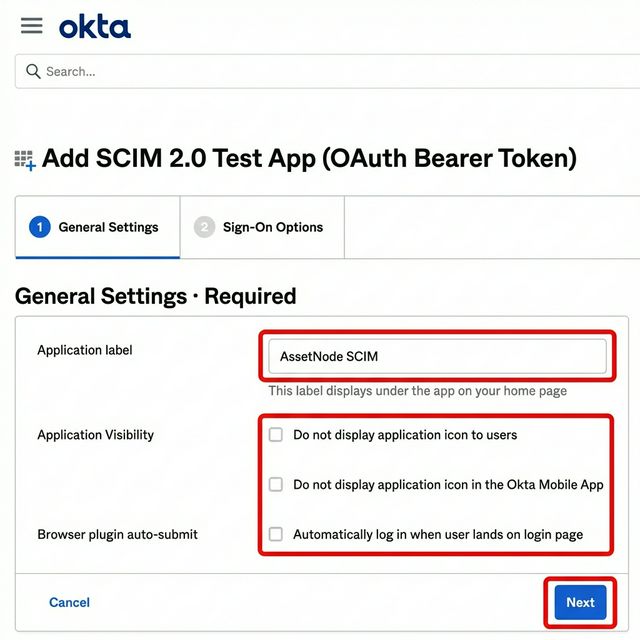
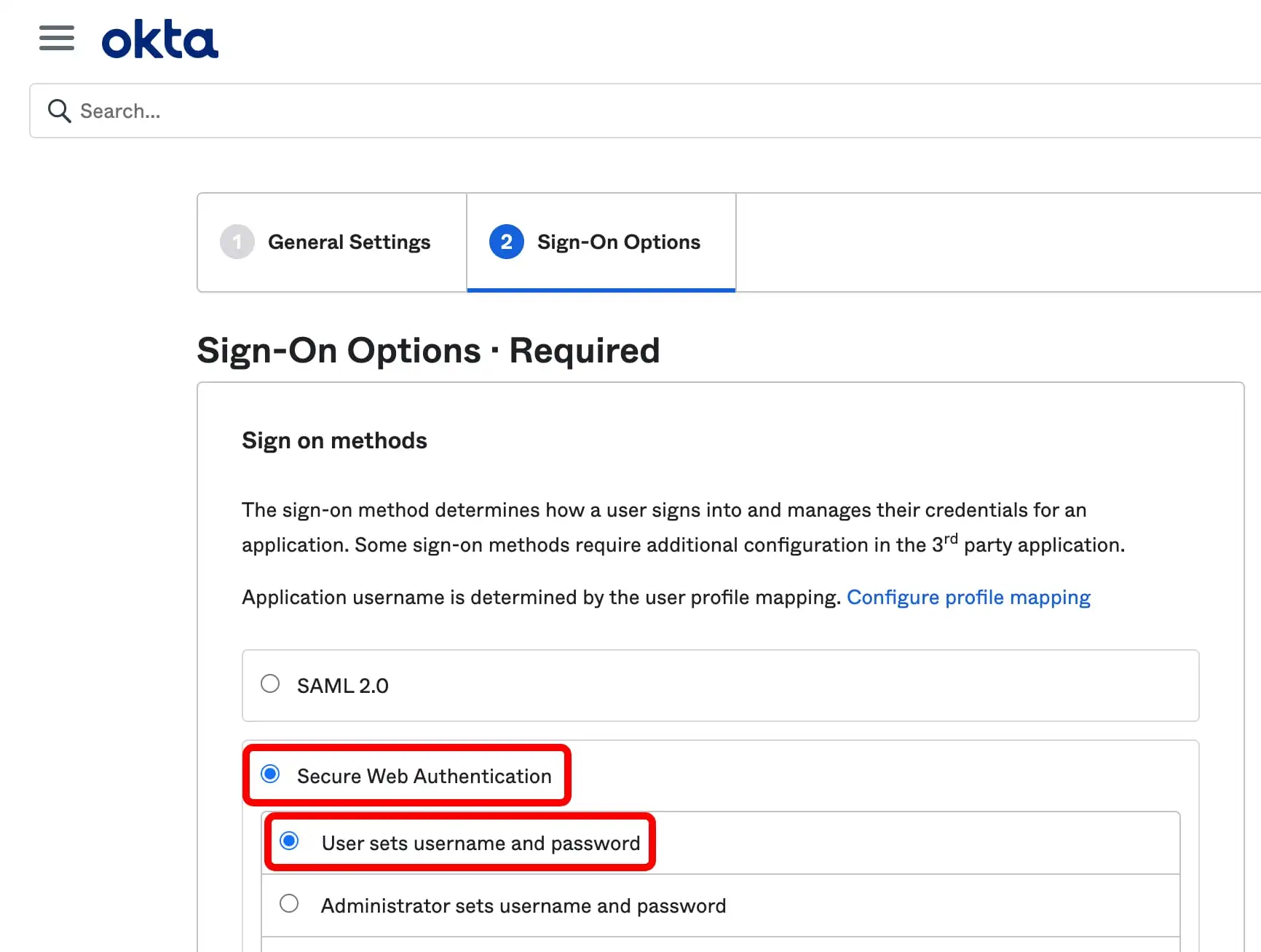
Configure General Settings
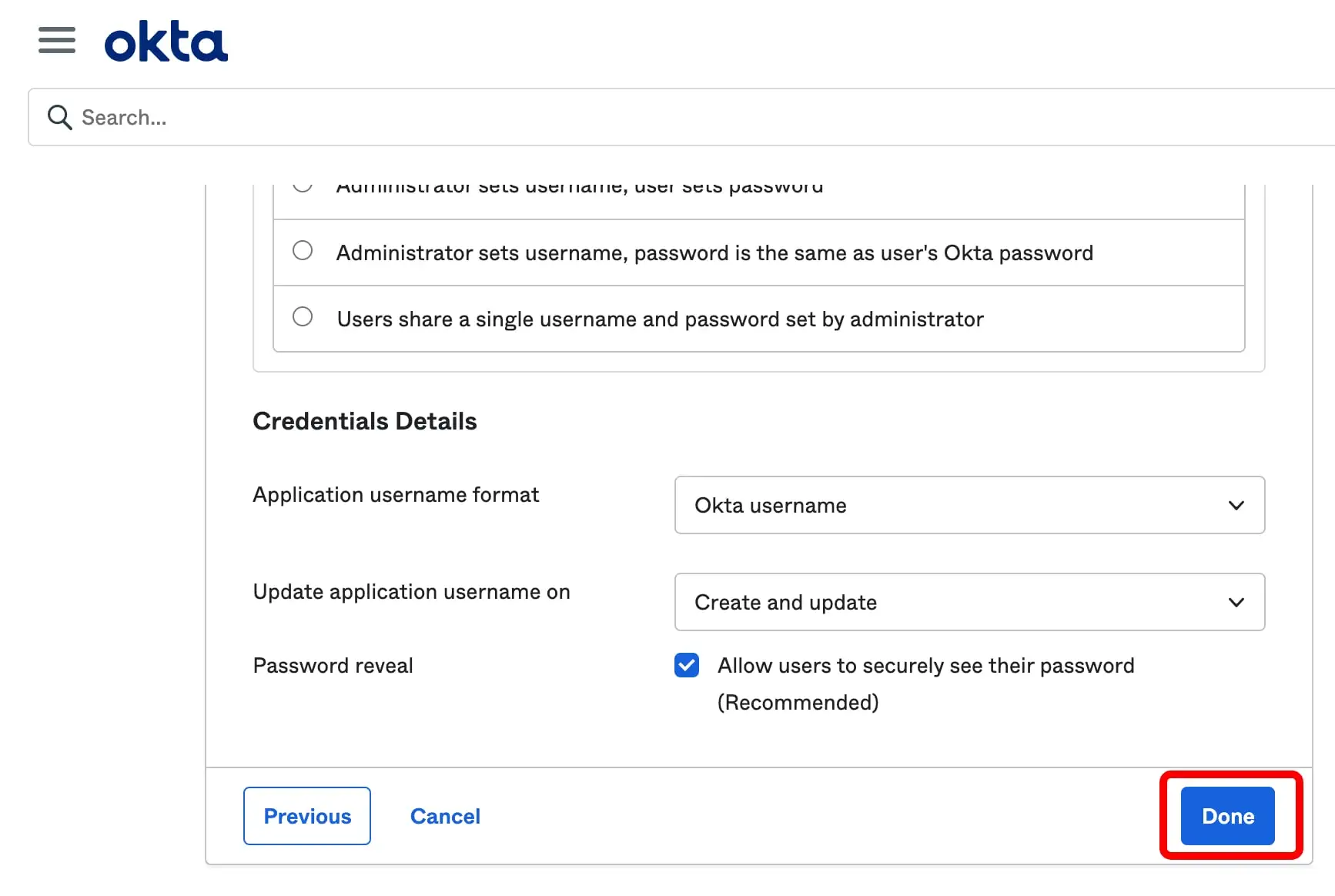
Name the application "AssetNode" and click Next through the sign-on options.
4
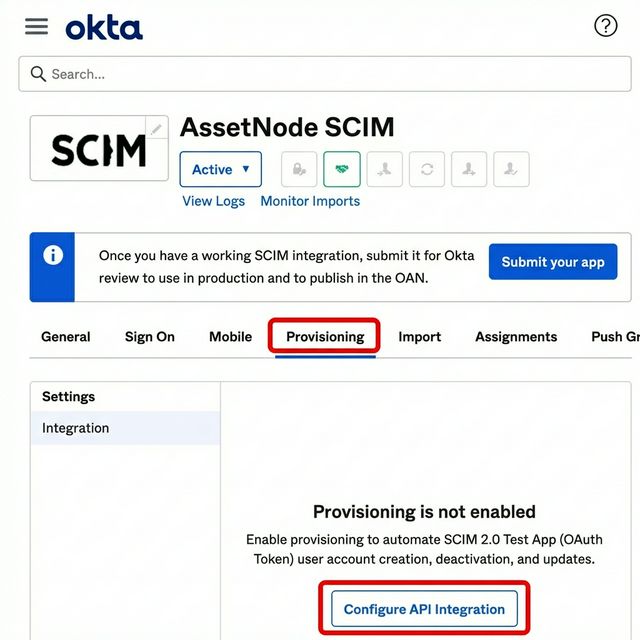
Configure Provisioning
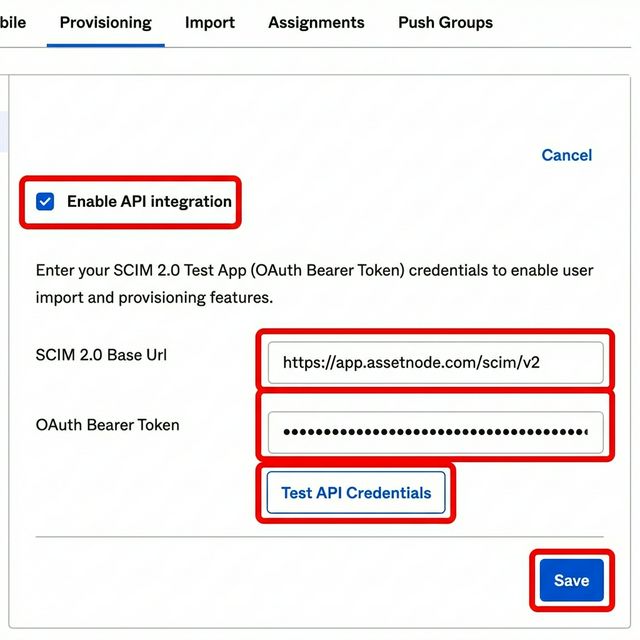
Go to the Provisioning tab → Configure API Integration. Check "Enable API Integration".
5
Enter SCIM credentials
Set the SCIM 2.0 Base URL to the Endpoint URL from your AssetNode SCIM settings. Set the API Token to the Bearer Token from AssetNode.
6
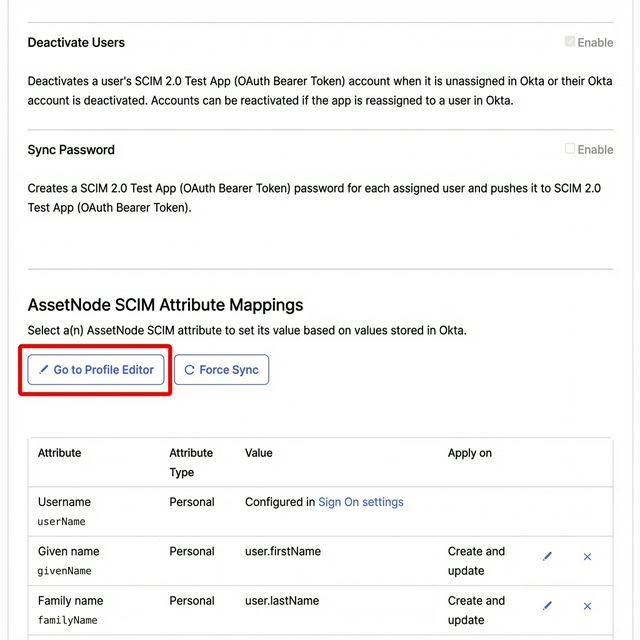
Enable provisioning actions
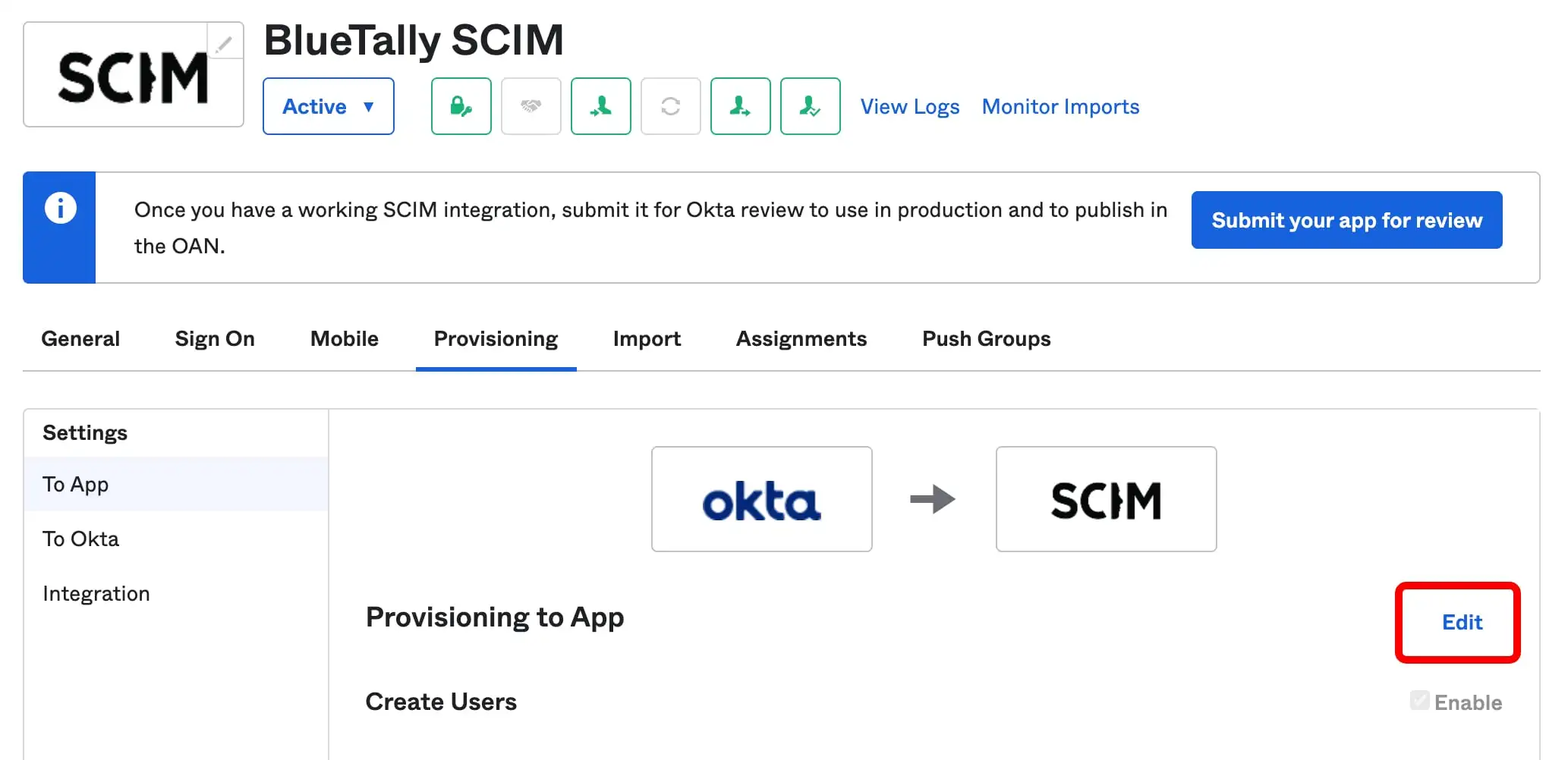
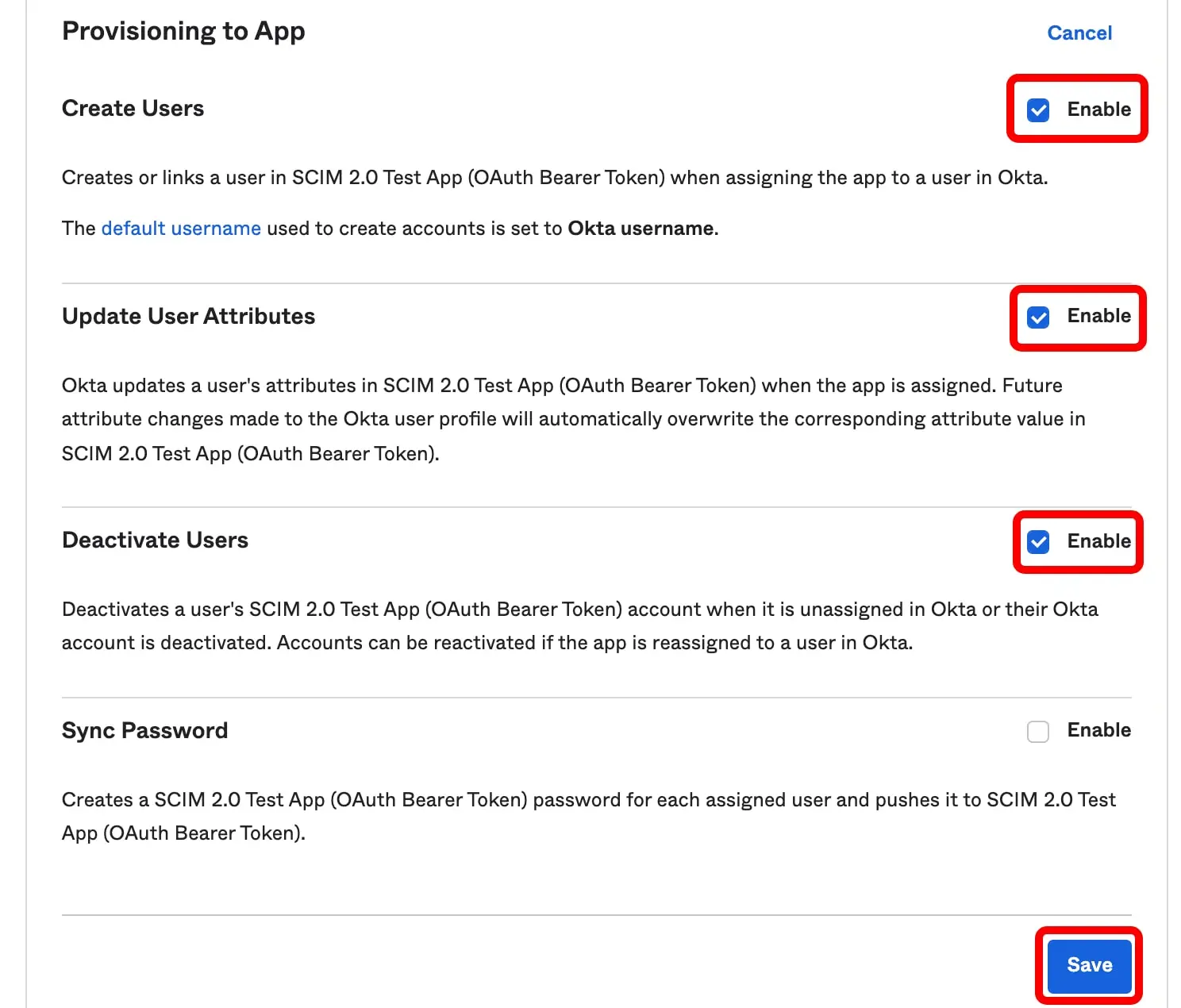
Under "To App": Enable Create Users, Update User Attributes, and Deactivate Users.
7
Assign users
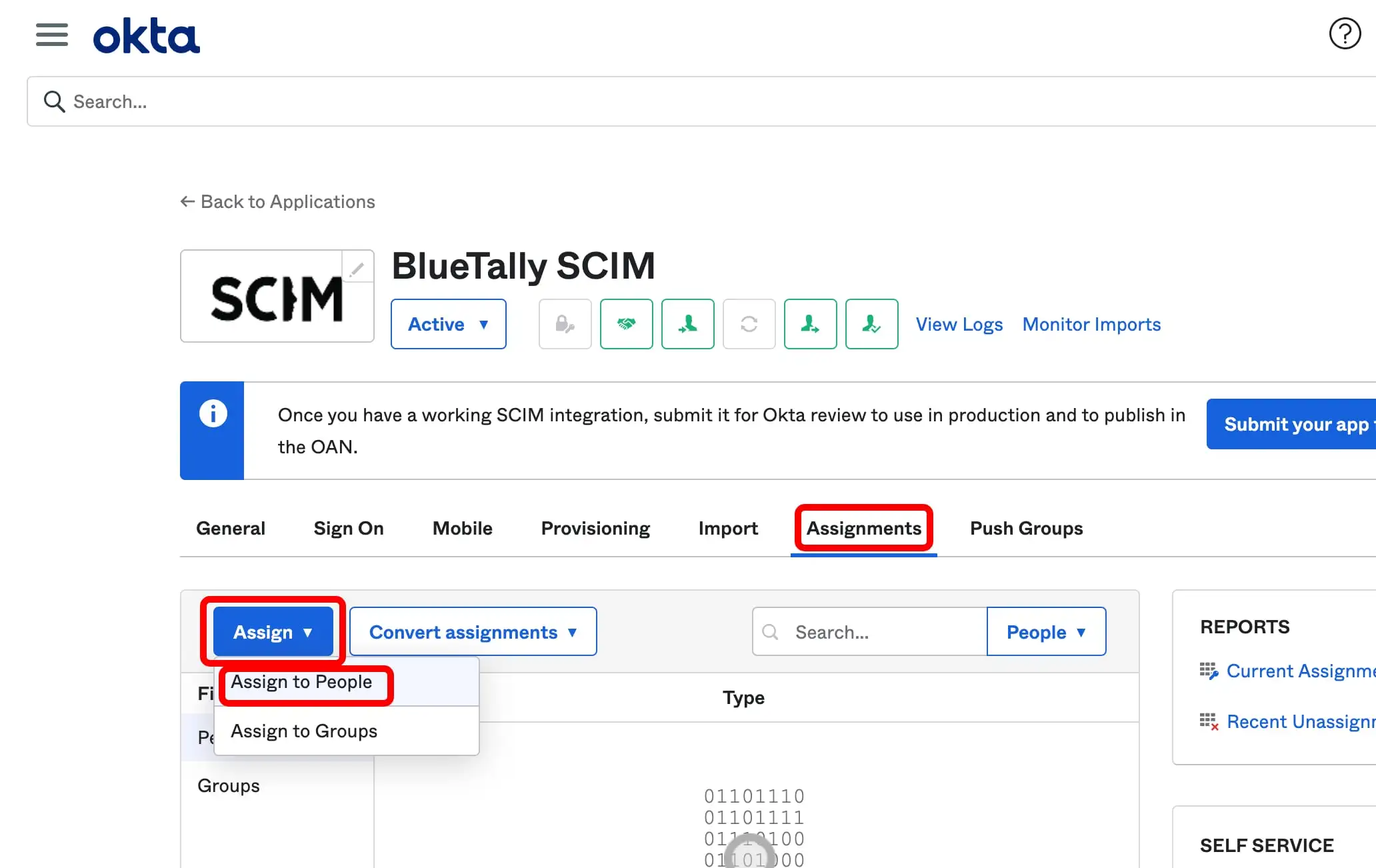
Go to the Assignments tab and assign the users or groups you want to sync.
8
Check the department setting (optional)
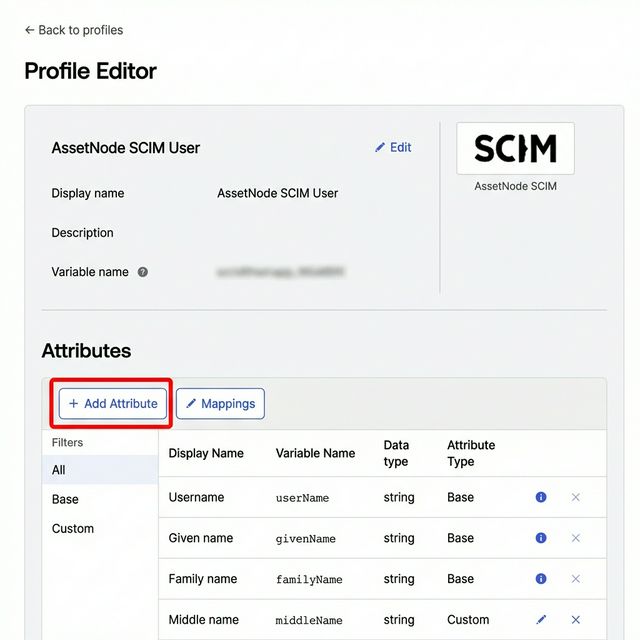
In AssetNode → Settings → Integrations → SCIM 2.0, leave "Automatically create departments from provisioned users" switched on so a department arriving from Okta is created if it does not exist yet.
หลังตั้งค่าเสร็จสิ้น
- Synchronization takes place approximately every 40 minutes.
- Any changes to users in Okta will be reflected in AssetNode.
- If you remove a user from Okta, they are marked inactive in AssetNode and given an end date, rather than deleted.
- Name, email, job title and department are synced. Location and manager are not read from SCIM.