Single Sign-On
Single Sign-On with Okta
Let your team members log in to AssetNode using their Okta credentials.
Setup guide (5 steps)
1
Log in to your Okta account
Navigate to your Okta admin dashboard.
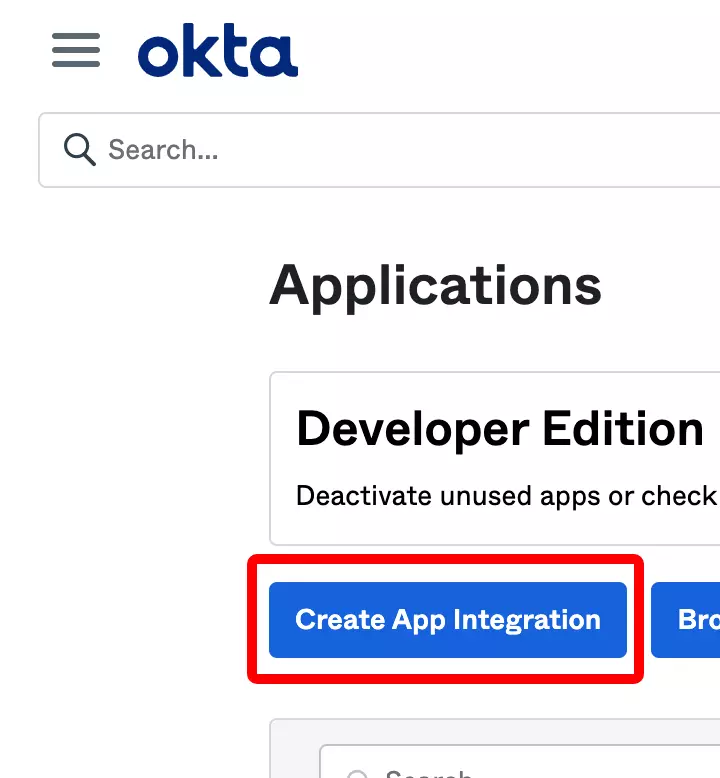
2
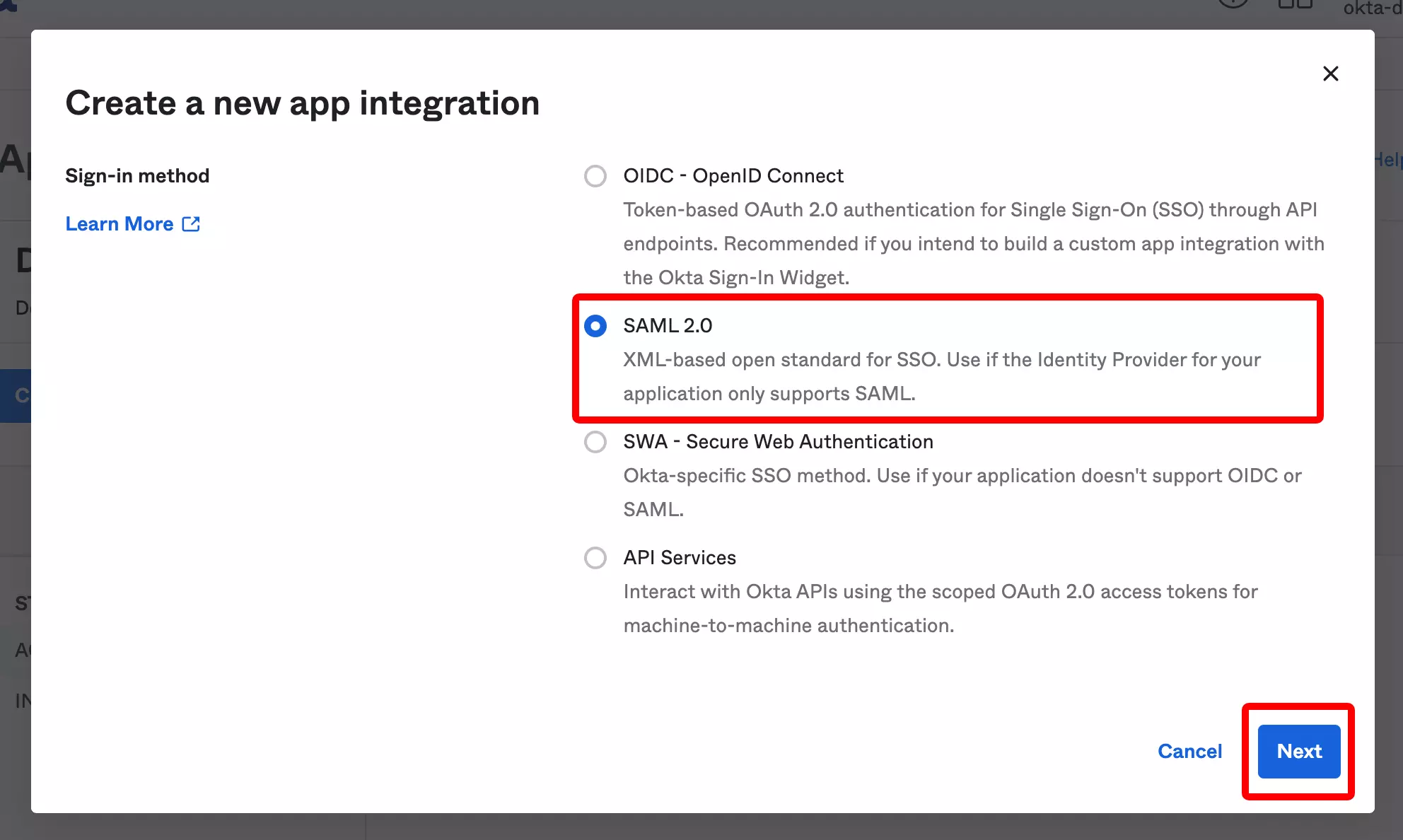
Create a new SAML application
Go to Applications → Create App Integration → Select "SAML 2.0".
3
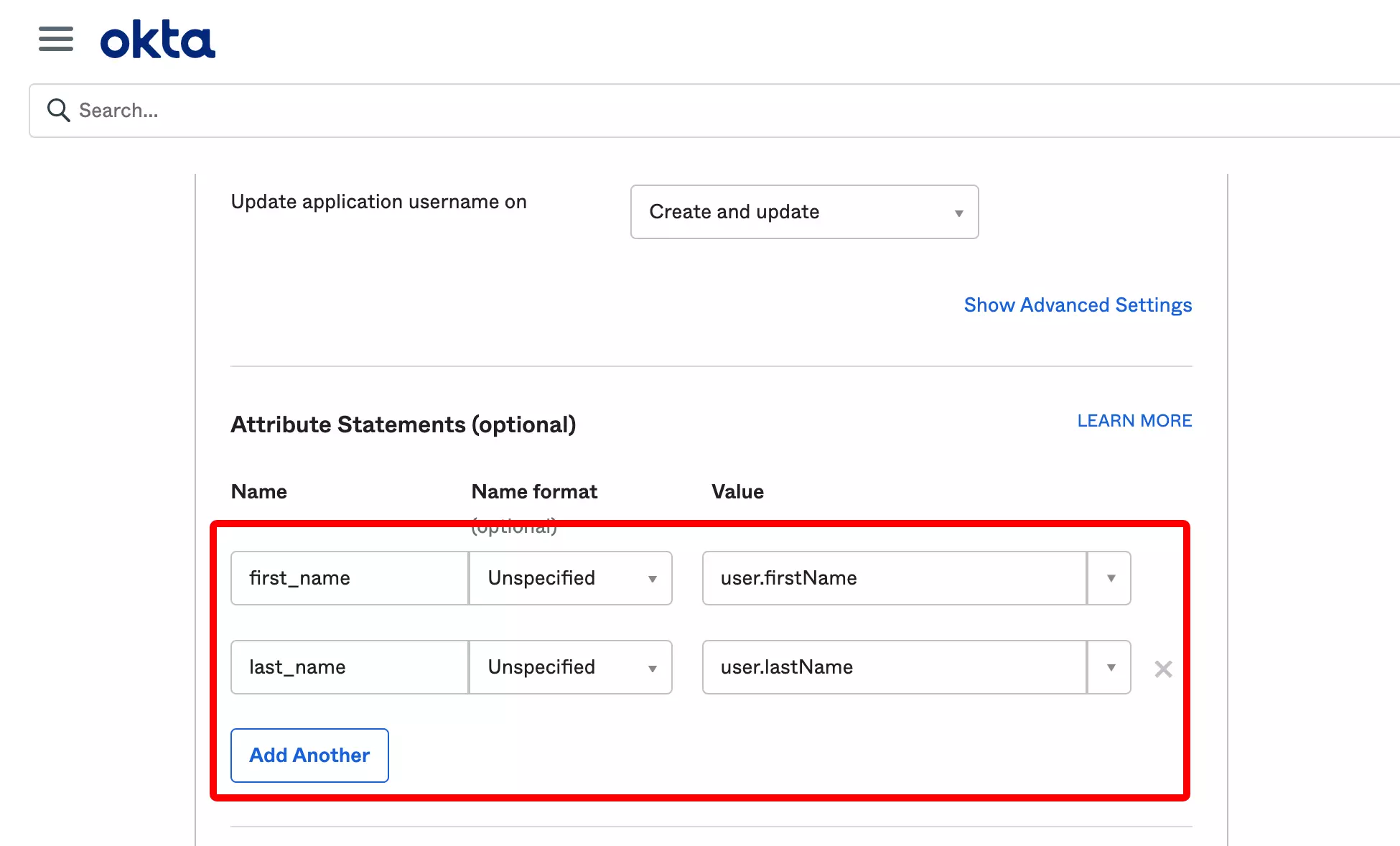
Configure SAML Settings
Set the SSO URL and Audience URI from AssetNode settings.
4
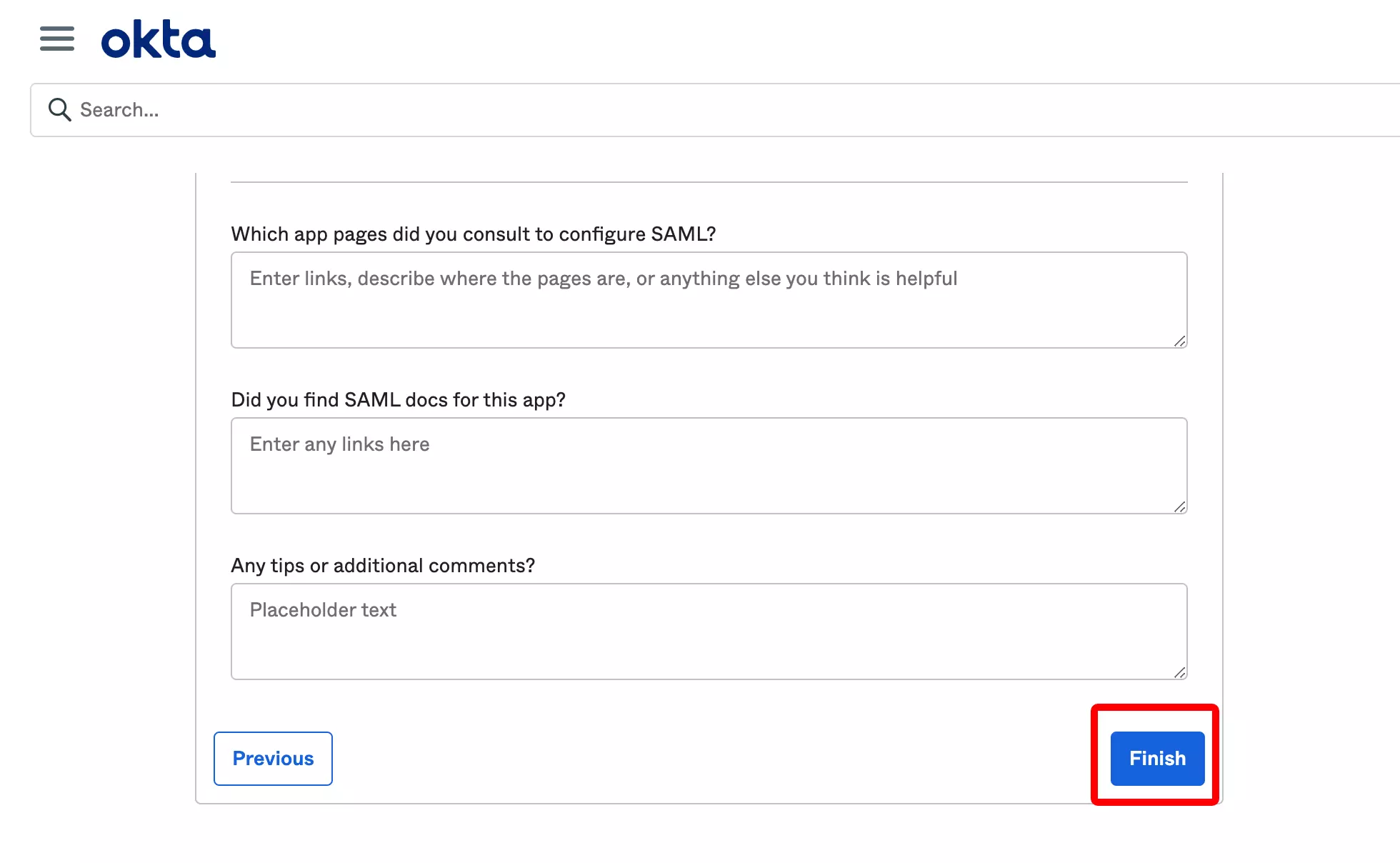
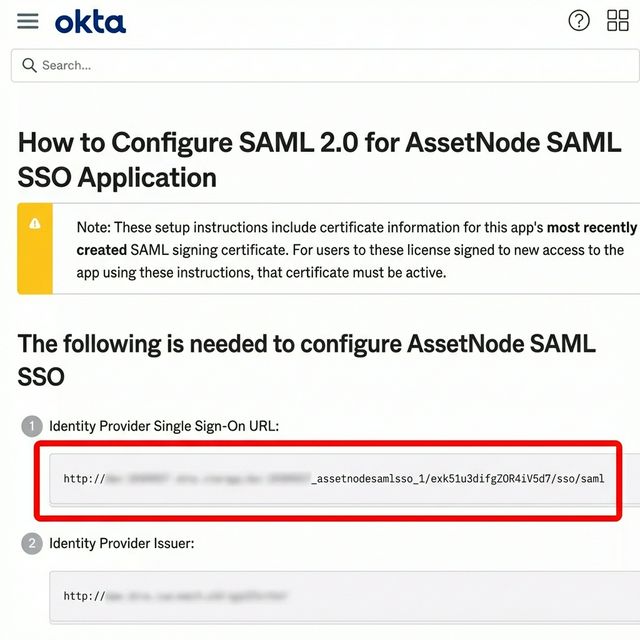
Copy IdP metadata
Copy SSO URL and download certificate.
5
Enter details in AssetNode
Paste the IdP SSO URL, Entity ID, and certificate. Click Save.
After completing setup
- Once SSO is active, giving new users access is done by assigning them in Okta.
- Enable "Force SSO" to require all users to sign in via Okta.