Single Sign-On
Single Sign-On with OneLogin
Let your team members log in to AssetNode using their OneLogin credentials.
คู่มือการตั้งค่า (6 ขั้นตอน)
1
Log in to your OneLogin account
Navigate to your OneLogin admin portal.
2
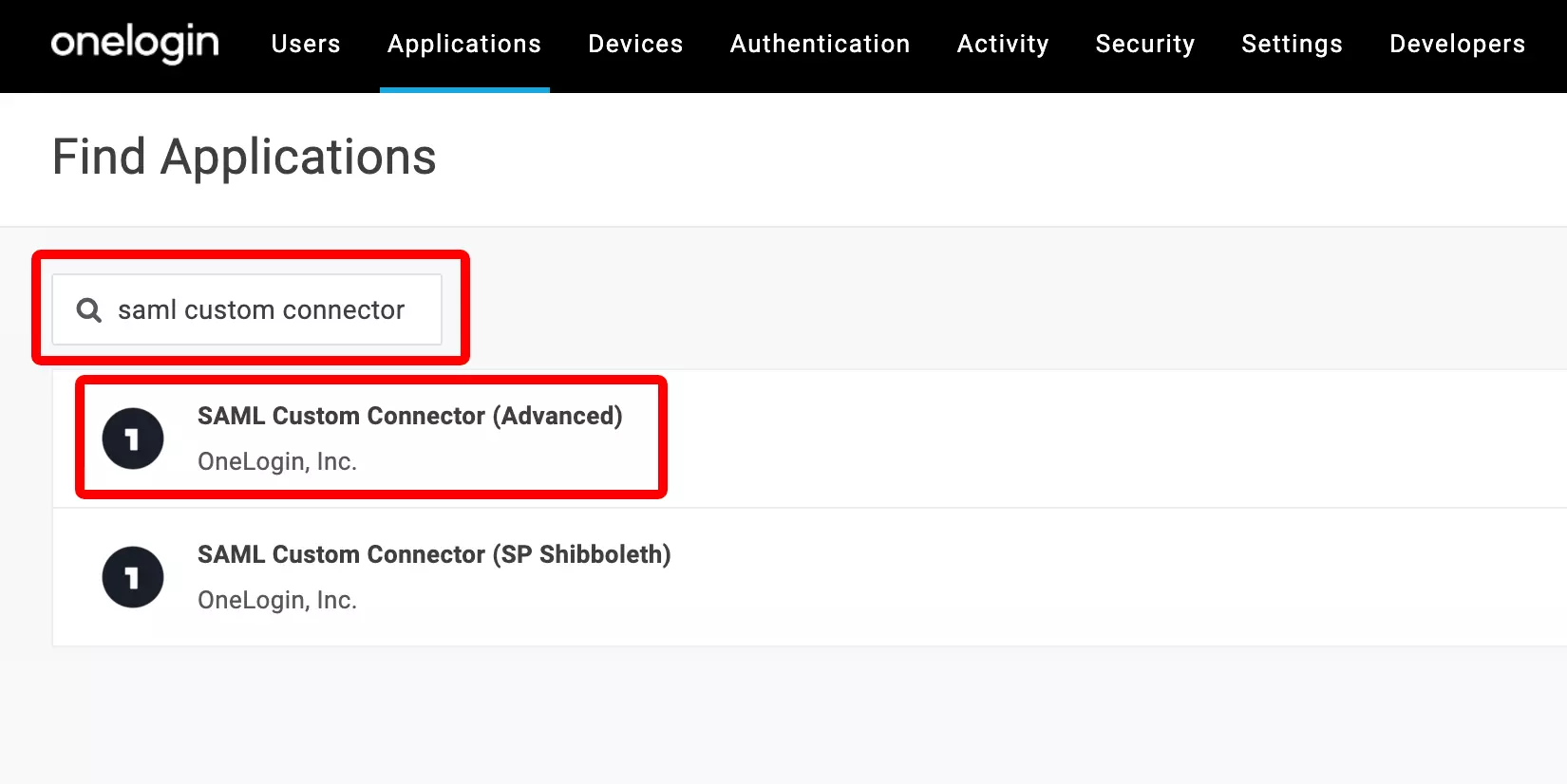
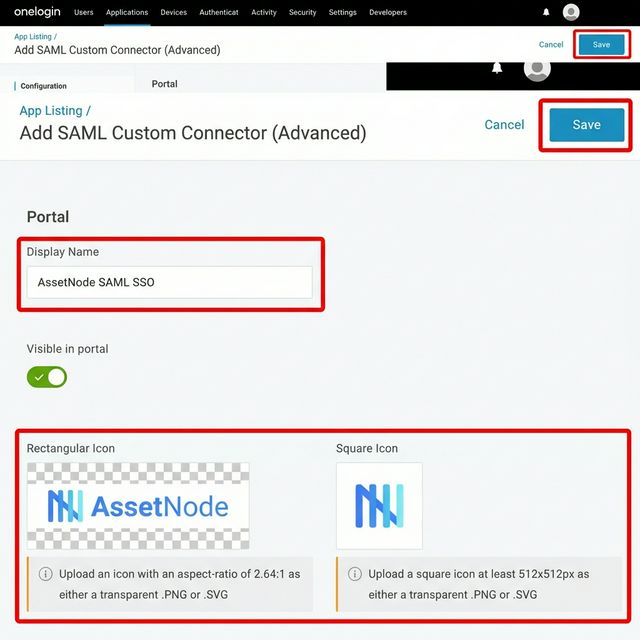
Add a custom SAML application
Search for "SAML Custom Connector (Advanced)".
3
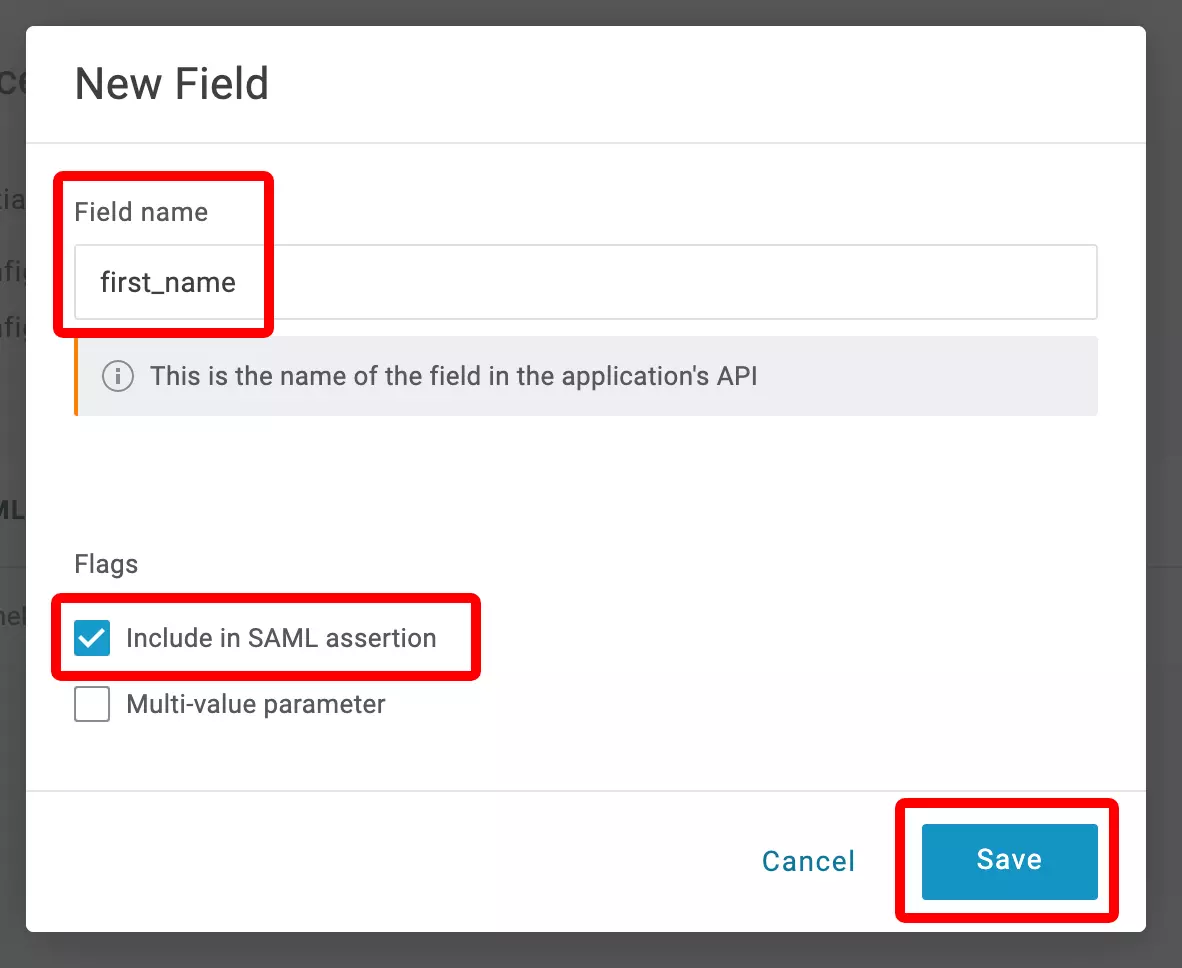
Set up SAML configuration
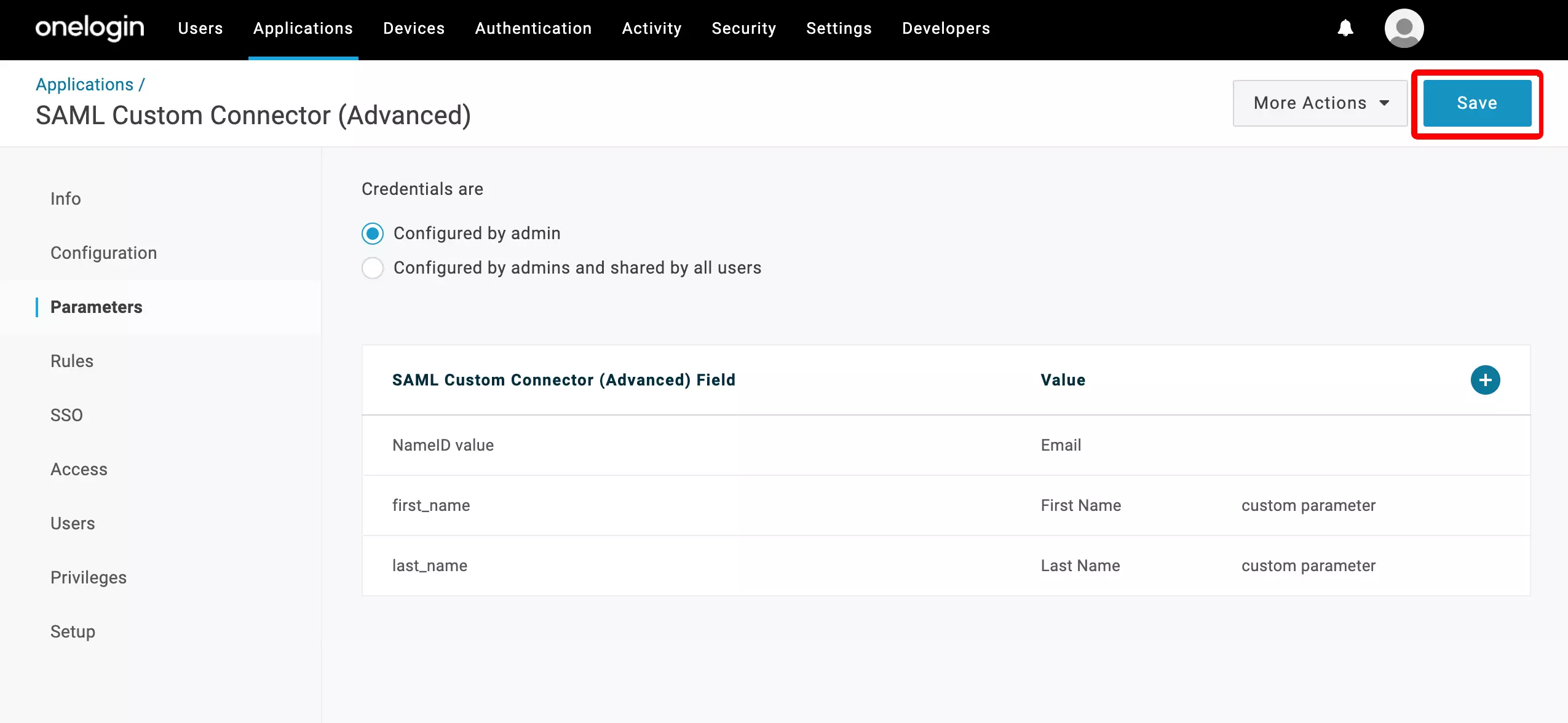
Enter ACS URL and SAML Audience from AssetNode SSO settings.
4
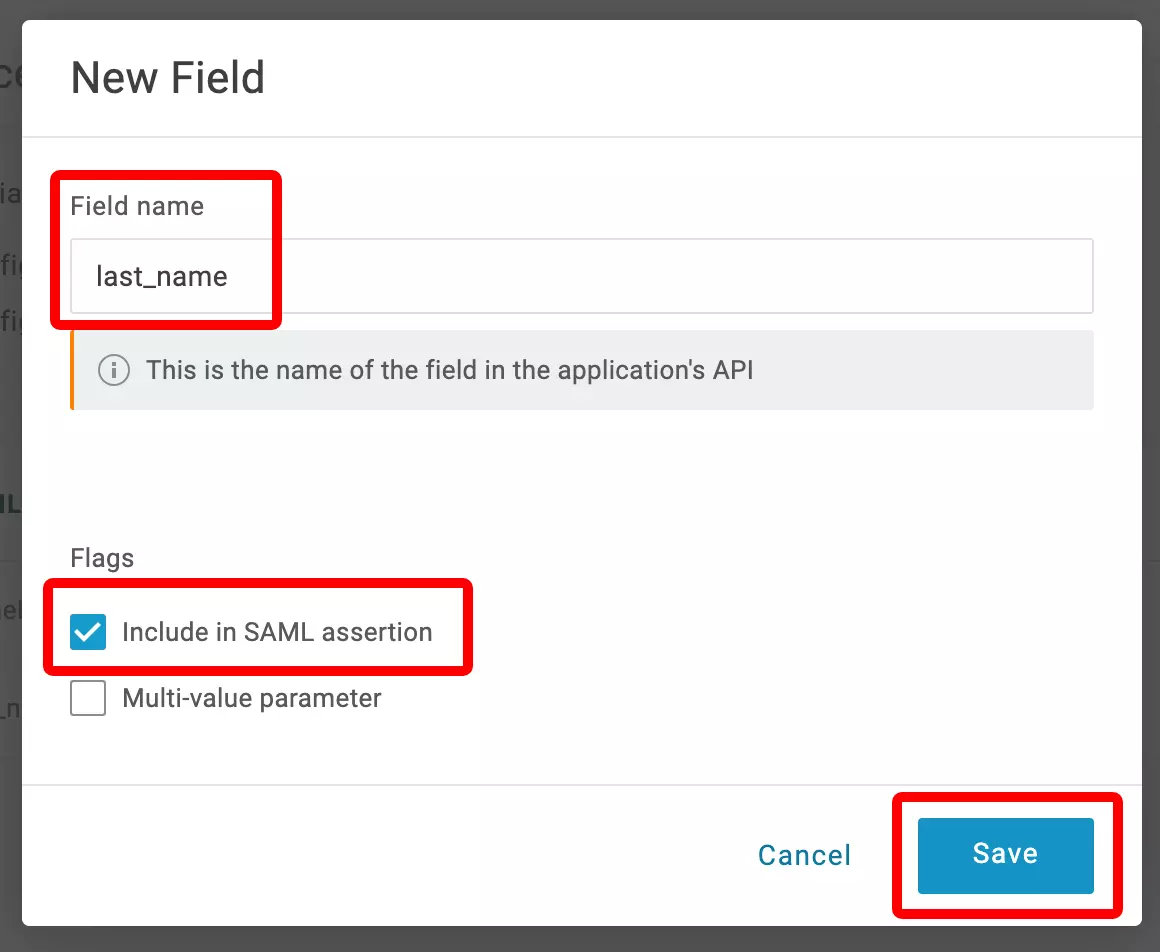
Copy OneLogin SSO details
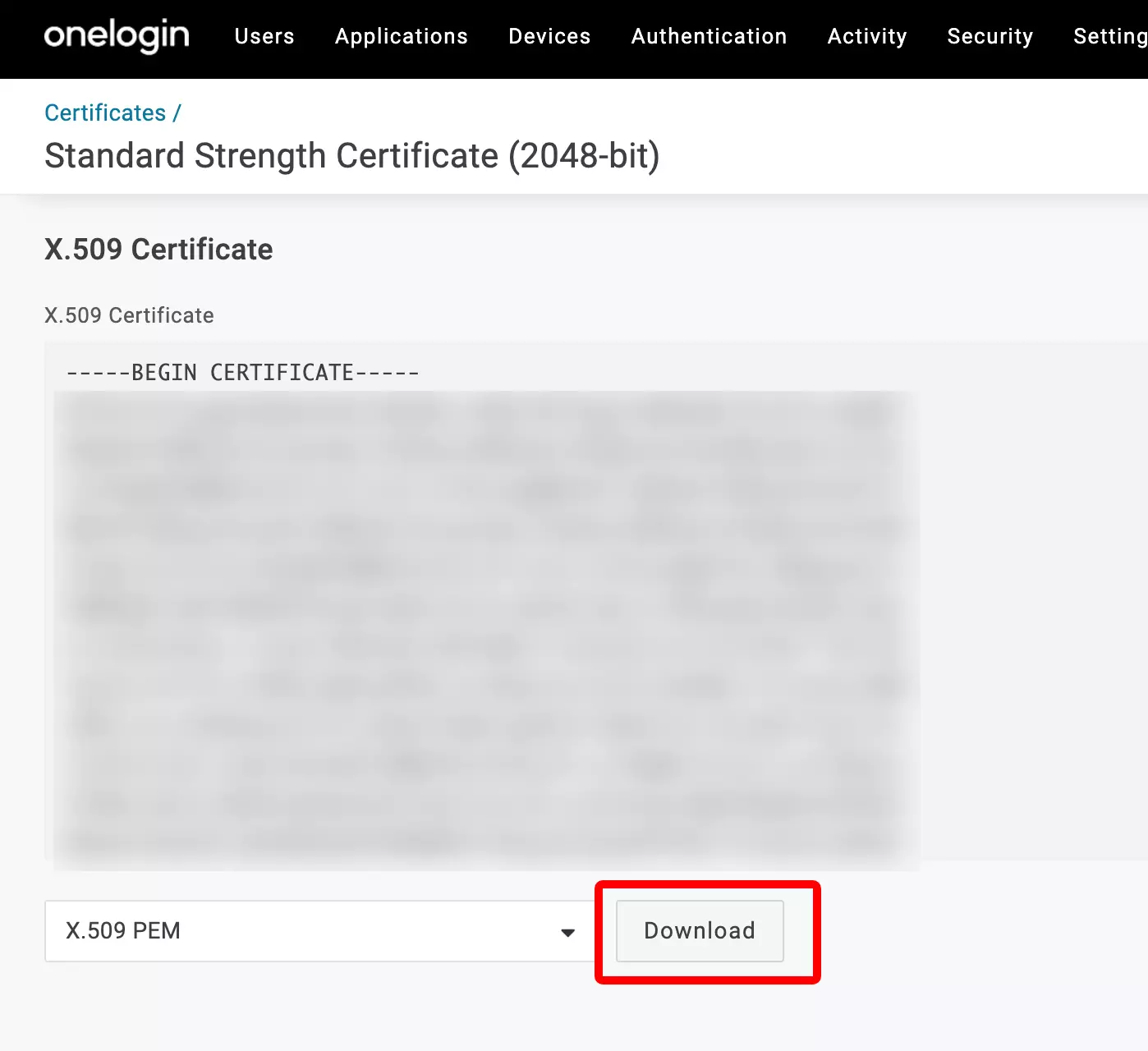
Copy SAML 2.0 Endpoint URL and download certificate.
5
Enter details in AssetNode
In AssetNode Settings → Integrations, open the SSO / SAML card. Paste the SSO URL, Entity ID and certificate, add at least one allowed email domain, switch Enable on and click Save.
6
Assign users
Assign users to the AssetNode application.
หลังตั้งค่าเสร็จสิ้น
- Once SSO is active, giving new users access is done by assigning them in OneLogin.
- Enable "Force SSO" to require all users to sign in via OneLogin.